


Using Phone Apps Safely While Driving: A Hands-Free Guide for Learners
Modern driving now involves more technology than ever before. Navigation apps, music streaming, hands-free calls and driving support apps can all play a helpful role when used properly. For learner drivers, this can feel like a lot to manage. You may be used to handling your phone constantly throughout your daily life, but once you start driving, the rules change. The law is strict, distractions are dangerous and developing safe habits early is essential.
Understanding using phone apps safely while driving is more than a convenience issue. It is a major part of being a responsible driver. The goal is not to avoid apps completely but to learn how to use them legally, safely and only in ways that support your driving rather than distract from it. When you develop the right habits now, you set yourself up for safe driving long after you pass your test.
This guide will help you understand the rules, the risks and the best practices around using phone apps legally and safely while driving.
Why Safe Phone Use Matters for Learners
Learners are still developing observation skills, reaction times and confidence. Adding phone distractions into the mix can reduce awareness dramatically. Even a few seconds of looking at your phone can cause you to miss hazards, misjudge speed or drift out of lane.
Safe phone use is essential because it protects you and everyone around you. Learning how to set up apps before you drive and using them hands-free reduces distractions and helps you stay focused on the road at all times.
Using Phone Apps Safely While Driving: What the Law Says
UK law is very clear about mobile phones while driving. You cannot hold your phone for any reason while driving. This includes texting, navigation, scrolling, changing music, checking notifications or unlocking the screen. Even touching the screen at traffic lights or during a traffic jam is illegal.
Hands-free use is only legal if your phone is secured properly in a holder and used through voice control or steering wheel buttons. If you touch your phone at any point, even to accept a call, you risk fines, penalty points and even losing your licence. Understanding these laws is a crucial part of using phone apps safely while driving.
The Dangers of Distracted Driving
Distracted driving causes thousands of accidents every year. Phones are one of the biggest sources of distraction. When you look at a screen, even for a second, your brain cannot fully process what is happening on the road.
This means you react more slowly, miss hazards, drift from your lane or fail to see pedestrians. As a learner, your reaction times are still developing, so distractions are even more dangerous. Avoiding distraction is the foundation of safe driving.
Using Phone Apps Safely While Driving: Setting Up Before You Drive
The safest way to use any app is to set everything up before starting your journey. Make it a routine to prepare your phone while the car is parked and the engine is off.
This includes setting your sat nav destination, loading your playlist, enabling Do Not Disturb mode and placing your phone securely in its holder. When everything is ready before you start driving, you avoid the urge to touch your phone mid journey.
Choosing a Good Phone Holder
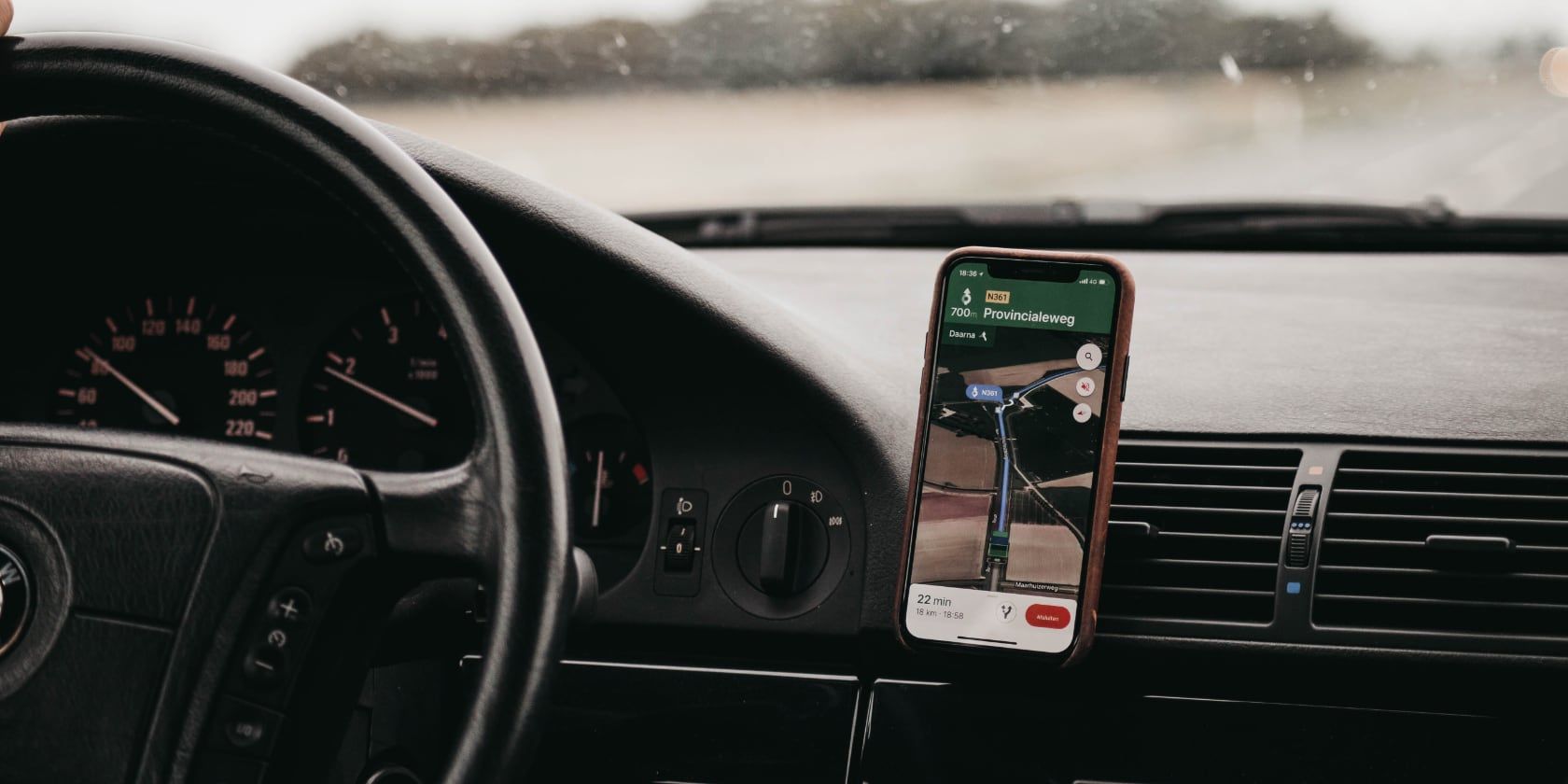
A secure phone holder is essential for using phone apps safely while driving. The holder must keep your phone stable, visible and out of your hands. Mount it where it does not block your view of the road. Many drivers find the air vent or dashboard positions safest.
Your phone should be visible enough to glance at directions but not so central that it distracts you. A stable holder prevents the phone from falling, which removes the temptation to reach for it.
Hands-Free Voice Control
Hands-free technology is one of the safest ways to use phone apps. Most modern phones support voice commands through Siri, Google Assistant or similar systems. Some cars also have built in voice controls for calls and navigation.
Using voice commands lets you adjust music, make a call or request new directions without touching your phone. This keeps your hands on the wheel and your eyes on the road.
Using Phone Apps Safely While Driving: Choosing the Right Navigation App
Navigation apps are the most common phone apps used while driving. Apps like Google Maps, Waze and Apple Maps are extremely helpful when used safely.
Choose a navigation app that gives clear voice instructions so you do not need to look at the screen often. Enable sound alerts and place the phone where you can glance briefly if needed.
Avoid tiny fonts or cluttered maps. A simple navigation layout keeps distractions low and improves your ability to follow instructions smoothly.
Disabling Notifications
Notifications are one of the biggest distractions while driving. Even if you do not pick up your phone, the sound or vibration draws your attention away from the road.
Before driving, switch your phone to Do Not Disturb mode or enable specific driving modes offered by many smartphones. This blocks calls, texts and alerts while allowing navigation instructions to function normally.
Using Phone Apps Safely While Driving: Music and Podcasts
Many people listen to music or podcasts while driving. This is safe as long as everything is set up before the journey starts. Create your playlist or choose your podcast episode before moving. Do not scroll through songs or switch between apps while driving.
If you need to skip a song, use steering wheel controls or voice commands. Keeping your attention on the road is more important than adjusting entertainment.
Avoiding Social Media at All Costs
Social media is a major distraction. Checking messages, replying to comments, taking pictures or filming videos while driving is both illegal and incredibly dangerous.
Part of using phone apps safely while driving means acknowledging that some apps should never be used behind the wheel, even hands free. Social media is one of them. There is no safe way to use it while driving.
Using Phone Apps Safely While Driving: When to Pull Over
If you need to change your destination, reply to an urgent message or handle something on your phone, the only safe and legal option is to pull over.
This must be done in a safe, legal place away from traffic. Never stop on a roundabout, dual carriageway or bus lane just to check your phone.
Pulling over may feel inconvenient, but it prevents dangerous moments of distraction that could lead to accidents.
Passengers Helping with Phone Tasks
If you are driving with a passenger, they can manage your phone for you. They can adjust your navigation, switch playlists, answer calls or send messages.
This is one of the easiest ways to maintain safe phone use without breaking any laws or risking distraction.
Using Phone Apps Safely While Driving: Understanding Car Infotainment Systems
Most modern cars have infotainment systems that connect to your phone through Apple CarPlay or Android Auto. These systems simplify app layouts and reduce distractions by using large buttons, voice recognition and steering wheel controls.
Learners should ask their instructor how the car’s system works. Understanding it early helps develop safe habits and reduces the risk of fumbling with unfamiliar controls.
Avoiding the Glance Trap
One of the biggest risks when using phone apps is the glance trap. This happens when you think you are only looking for a second, but your eyes linger longer than expected.
Even a brief glance can cause you to miss a hazard, a braking vehicle or a pedestrian stepping out. To avoid the glance trap, rely on voice directions and keep the screen out of your central view.
Using Phone Apps Safely While Driving: Battery and Charging Tips
Low battery distractions are another issue. If your phone dies mid journey, you may lose access to your navigation. Plug your phone into a charger before setting off to avoid worrying about battery life while driving.
Keeping your phone fully charged helps prevent distraction and reduces stress, especially on long journeys.
Learners and the Driving Test Rules
During your practical driving test, you must not use your phone at all. Even hands free use is prohibited. The examiner’s sat nav or directions will be used instead.
However, safe phone habits learned during lessons help you become a safer driver after you pass. Your test may not involve phone apps, but real world driving will.
Using Phone Apps Safely While Driving: Why Developing the Habit Early Matters
Learner drivers who develop safe phone habits early avoid risky behaviour later. If you train yourself to set up your apps before driving, rely on voice control and avoid touching your phone, these habits become second nature.
Once you pass your test and start driving alone, there is no instructor to remind you about distractions. Your safety will depend on your habits.
Final Thoughts
Phone apps can be extremely useful while driving, but only when used safely and legally. As a learner, you are still developing your judgement, awareness and multi tasking ability. This makes safe phone habits even more important.
Using phone apps safely while driving means setting up everything before you move, relying on voice commands, avoiding unnecessary distractions and prioritising your focus on the road.
With the right habits now, you will become a responsible, confident and safe driver for years to come.


